Article
Infograph Is on AppSumo: A Lifetime Deal from $49
Infograph launched on AppSumo on 23 November 2026. Pay once, from $49, and keep it for life. What each tier includes, its limits, and what we'd like from you.
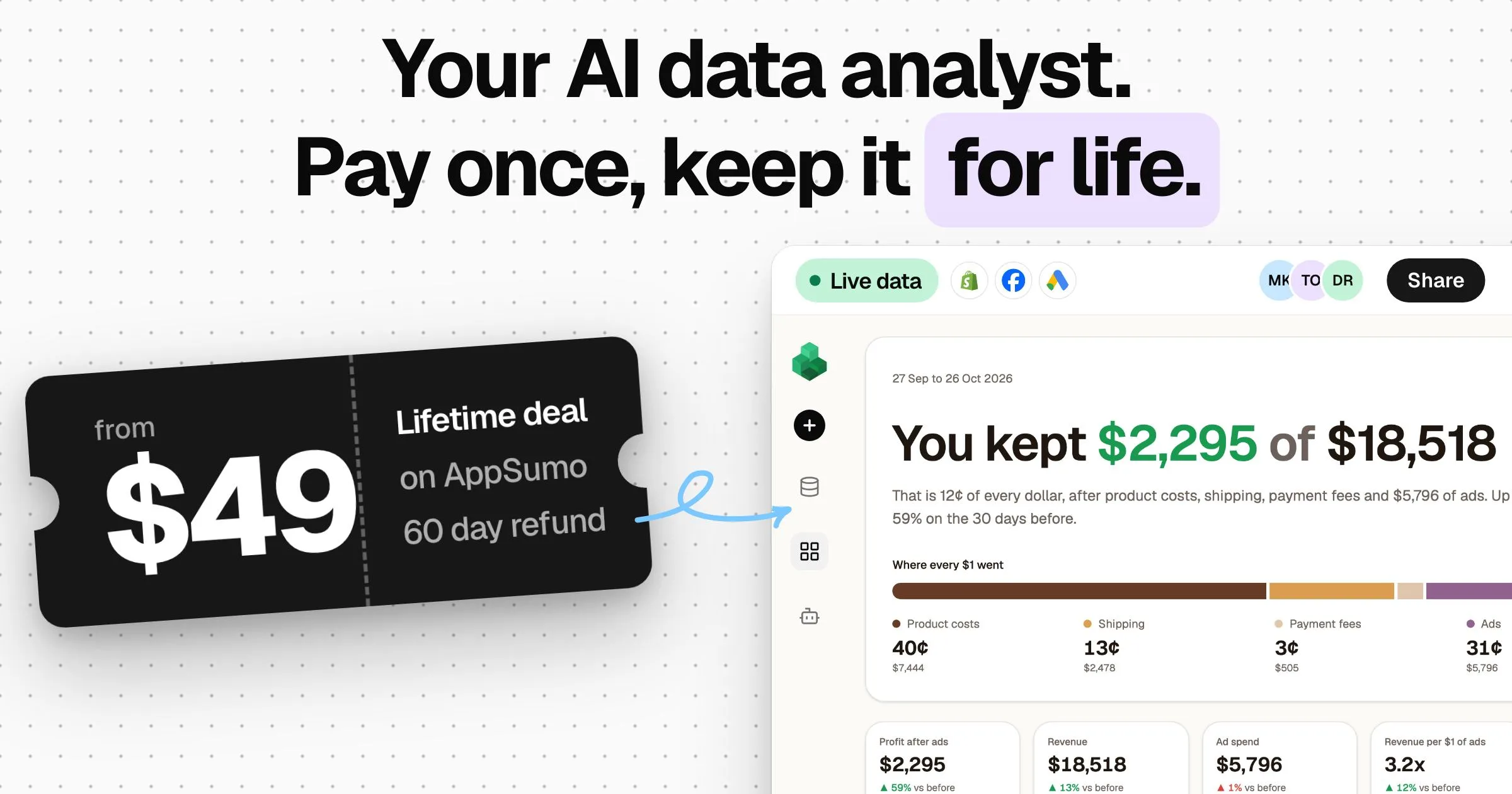
Infograph is on AppSumo. We launched there on 23 November 2026, and for a limited time you can pay once, from $49, and keep your plan for life with no monthly bill. The deal is here.
If you’re new to us: Infograph connects the apps your business runs on, such as Shopify, Stripe, QuickBooks and Google Ads, and keeps a private copy of their data in one place. The AI you already use, ChatGPT or Claude, can then answer from all of it and build dashboards you can share.
I’m Jacob Plaster, Infograph’s founder. This post covers what each tier includes, what the deal leaves out, and what we’d like from you if you buy it.
Thank you, Sumo-lings
If you bought in the first day, thank you. Infograph is less than a year old, and you paid for it before most people had heard of it. We don’t take that lightly.
AppSumo calls its buyers Sumo-lings, and they have a reputation among founders: they try everything, they read the small print, and they say what they think. That is exactly who we want using Infograph this early.
Why we’re selling a lifetime deal
I’ve sat in the CTO seat at several companies. Each business was different, but the questions people asked of their data were the same. Marketing wanted to know which campaigns were working. Operations wanted to know where the money was going. Those companies paid for expensive BI tools and data pipelines, and people still couldn’t get a clear answer. That’s why I built Infograph.
What I can’t work out from my own desk is how you’ll use it. Which apps you connect first, what you ask, where the answer comes back wrong or late. A lifetime deal is a trade for that. You get the product for a single payment. We get a group of early customers who use it on real data and tell us where it falls short.
The aim is a tool you open every day, one that fits into how you already work. We’ll only get there by building it with the people who use it, and we’re committed to doing that.
What we’d like from you
Join our Discord. It’s where we’re building the community for early customers, and your workspace’s home page links to it too. Once you’ve connected something, tell us:
- the app you wanted to connect and couldn’t find
- the first question you asked, and whether the answer was right
- what you used for reporting before, and what it did better
- what would make you open Infograph every morning
We don’t have a public roadmap page yet. Until we do, feature requests go in the Discord. You can also ask a question or leave a review on the AppSumo listing, or email support@infograph.ai.
What each AppSumo tier includes
There are four tiers. Each one is a single payment in US dollars.
| What you get | Tier 1 | Tier 2 | Tier 3 | Tier 4 |
|---|---|---|---|---|
| Price, paid once | $49 | $149 | $249 | $449 |
| Seats | 1 | 1 | 3 | 8 |
| Storage | 2 GB | 6 GB | 10 GB | 20 GB |
| Data connections | 3 | 9 | 15 | 30 |
| Query credits a month | 5,000 | 15,000 | 25,000 | 50,000 |
A data connection is one app or database account: one Shopify shop, one PostgreSQL database. A query credit pays for one query your assistant runs in Infograph, and saving a dashboard costs about one more. Opening and refreshing a dashboard is free. For a sense of scale on storage, a shop’s 3,500 orders with their customers, refunds and five months of ad data take about 1.6 MB.
Every tier gets every connector, file uploads (CSV, Excel, JSON, Parquet), dashboards, written reports and public share links. Tiers 3 and 4 are team workspaces, where each teammate has their own login.
For comparison, our Plus plan is $12 a month in US dollars, so Tier 1 costs about what four months of Plus does.
What the lifetime deal doesn’t include
Three things to know before you buy.
The AI’s thinking isn’t part of it. You connect an assistant you already pay for, such as ChatGPT or Claude, and its plan does the thinking. That plan has to allow custom connectors. You can also use Infograph’s built-in chat with your own OpenRouter key, which bills you for the model. Either way, your query credits cover the work done inside Infograph. The AI Connect page has the setup for each assistant.
Your apps sync once a day. That’s the same on all four tiers. A dashboard’s charts follow each sync, so a number can be up to a day old.
Nothing is sold on top. You can’t buy extra credits, storage or seats for a lifetime tier. If you run out of credits, your dashboards stay online and keep refreshing, and your assistant can query again when the month resets. If you need more, you move up a tier on AppSumo while the deal is on, and your workspace keeps its data and dashboards. Tier 4 is the top.
How to claim the deal
Buy a tier on AppSumo
Pick a tier on the Infograph listing. AppSumo takes the payment and handles any refund.
Activate it from your AppSumo account
Open the product in your AppSumo account and activate it. You land on a page in Infograph that shows the tier you bought. AppSumo’s terms give you 60 days from purchase to do this.
Create your account, or sign in
After that there is one button left to press, and it makes your lifetime workspace.
Connect your first app
Your workspace opens on a home page with a five-minute getting started video and a short walkthrough. Connect one app, connect your assistant, and ask it something you already know the answer to. It’s the quickest way to find out whether you can trust it.
Is the Infograph lifetime deal really lifetime?
Yes. You pay once and keep your tier's limits for life, including updates to the features in the deal and the connectors we add later.
Can I get a refund?
Yes. AppSumo refunds a purchase within 60 days, under its own policy. A refunded plan ends.
How long will the deal be available?
For a limited time. It is a launch deal, and when it ends Infograph goes back to monthly plans only. Anyone who bought keeps their tier.
Can I move to a bigger tier later?
Yes, while the deal is on. Upgrade on AppSumo and your workspace gets the new tier's limits straight away. Your data and dashboards stay as they are.
Which AI assistants work with Infograph?
Claude, ChatGPT, Claude Code, Codex, Cursor, VS Code, Gemini CLI and other assistants that support remote MCP connectors. Your plan with that assistant needs to allow custom connectors.
Where is my data stored?
Each account has its own separate data lake, encrypted at rest and hosted with OVHcloud in Canada. Infograph only reads from your apps and never writes to them.
If your data is spread across a lot of apps and you can’t get a clear answer out of it, I built this for you. I’d love to hear what you think of it.
Jacob Plaster, founder of Infograph
Get answers from all of your data
Infograph reads everything you connect and turns a question in plain words into an answer, a data report or a live dashboard.
Answers, reports and dashboards
Ask a question and get back what it needs: a straight answer, a written report or a dashboard that stays live.
Frontier intelligence
The latest models from the leading labs, chosen for speed, intelligence, price or open source.
Every app and kind of data
Upload files or connect your apps and databases. Infosync keeps them fresh, with nothing to schedule.