Article
ChatGPT Can't Access Google Sheets? Why Links Fail and 5 Fixes
ChatGPT can't access your Google Sheets link? Why pasted links fail in ChatGPT, Claude and Gemini, five fixes, and a 30-second test that it read every row.
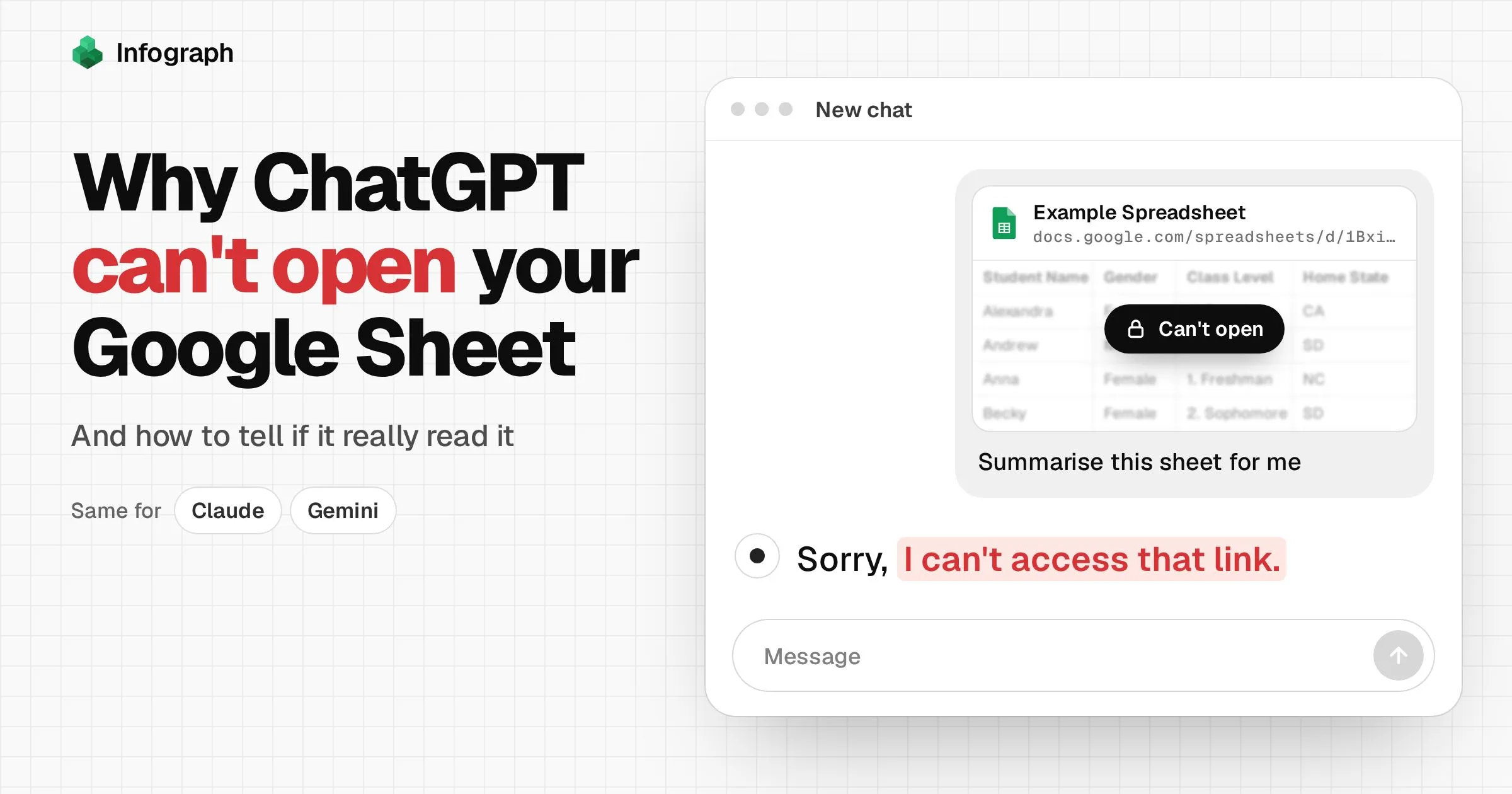
ChatGPT can’t access a Google Sheets link you paste because nothing in the chat is signed in to Google as you. It opens the link the way a stranger would, and a private sheet won’t open for a stranger. Give it the file, or connect Google Drive first, and it can read the sheet. The same goes for Claude and Gemini.
If it answered anyway and the answer doesn’t match your sheet, it probably never opened it. The 30-second test below tells you for sure.
Which fix should I use?
| If you… | Use | Sees your later edits? |
|---|---|---|
| Need one answer, now | 1. Upload the file | No, it’s a copy |
| Will ask about the sheet again in a chat | 2. Connect Google Drive | Yes |
| Are working in the sheet anyway | 3. Ask from inside Google Sheets | Yes |
| Have data that can be public | 4. Publish a tab as CSV | Yes, a few minutes behind |
| Ask the same question every week | 5. A tool that re-reads the sheet | On a schedule |
Five fixes for ChatGPT, Claude and Gemini
Upload the file (quickest)
In Sheets, choose File, then Download, then Microsoft Excel (.xlsx), which keeps every tab. A CSV keeps only the tab you have open. Upload the file to the chat.
ChatGPT takes spreadsheets up to about 50 MB, and free accounts get three uploads a day (OpenAI). If yours is bigger, here’s how to make a file fit. It’s a copy, so after you edit the sheet you’ll need to upload it again.
Connect Google Drive in ChatGPT, Claude or Gemini
The connector signs in to Google as you, so a private sheet works if your account can open it. It can reach everything else that account can open too, so on a work account check your company’s rules first.
- In ChatGPT, open Apps (or Plugins), choose Google Drive and connect. Then paste the link and ask it to read the file through Google Drive (OpenAI). OpenAI doesn’t say whether every tab is read.
- In Claude, turn on Google Drive, then attach the sheet with + and Add from Google Drive instead of pasting the link. Claude reads every tab, and the current version each time you send a message, for files up to about 10 MB (Claude’s docs).
- In Gemini, don’t paste the link: Google’s help says not to. Type @, pick Google Drive and name the file. Keep Activity has to be on (Google).
Ask from inside Google Sheets
An assistant in the sidebar reads the sheet you have open, so there’s no link and no copy.
- ChatGPT for Google Sheets is OpenAI’s add-on, on every plan including Free. Install it from the Google Workspace Marketplace and open it from the Extensions menu. It handles multi-tab files (OpenAI).
- Gemini in Sheets comes with Workspace Business or Enterprise (Standard or Plus) and with Google AI Pro or Ultra (Google).
- Claude for Google Workspace is in beta on Claude’s Pro, Max, Ultra, Team and Enterprise plans. Open it from Extensions, then Claude, then Open Claude (Anthropic).
Publish one tab as CSV (public data only)
Choose File, then Share, then Publish to web. Pick the tab, choose Comma-separated values (.csv), publish, and paste the address it gives you into the chat. Tick “Automatically republish when changes are made” to keep it current; Google says updates can take a few minutes.
This makes the tab public: anyone with the address can read it without signing in (Google). Only use it for data you’d post online.
Connect the sheet to a tool that re-reads it
For the same question every week on a sheet that keeps changing. Infograph, an AI tool for asking questions of your data, connects to Google Sheets with Google sign-in, so private sheets work, and you pick which tabs to bring in. Its AI answers by running a query over every row, not by reading a pasted copy.
It re-reads the sheet every 30 minutes on Pro and Teams, daily on Plus, or when you sync on Free, so it isn’t live to the second. A tab can hold up to 500,000 rows and 5,000,000 cells. You ask in Infograph rather than in ChatGPT. To chart the sheet as well, see How to Turn a Google Sheet into a Live Dashboard.
Check it really read your sheet: the 30-second test
Ask this in the same chat:
How many rows of data are in this sheet, not counting the header? What are the column names, and what does the last row say?
Then check it against the sheet:
- Count the rows: in an empty cell, type
=COUNTA(A2:A), using a column that’s filled in on every row. - Compare the last row. It’s the one that catches a partial read, which still gets the headings and first rows right.
- Select a column of numbers and Sheets shows the sum at the bottom right. Ask the assistant for the same total.
Why a pasted Google Sheets link fails
| What you got | What happened |
|---|---|
| “I can’t access that link” | The sheet is private, or the chat can’t open web pages |
| A summary that doesn’t match your sheet | It never opened the file and guessed from the link or title |
| An answer that was right last week | It’s reading a copy you uploaded earlier |
| Gemini can’t find the sheet | Google says not to paste links into Gemini; it wants the file from Drive |
A sheet set to Restricted opens only for people given access, and the assistant’s browsing tool isn’t one of them. To see your setting, press Share in the sheet and look under General access. A sheet shared with “Anyone with the link” can get through: when we fetched Google’s public sample sheet without signing in, all 30 rows were in the page, though whether an assistant reads them depends on its tool. On a work account, your admin can also block outside apps such as the Drive connectors.
The guessed summary is the one to watch for. OpenAI’s own help page says it plainly: “Finding a filename or file details does not confirm that ChatGPT retrieved the file’s contents.”
Can ChatGPT read Google Sheets?
Yes, if you upload the sheet as a file, connect the Google Drive app and paste the link, or use OpenAI's ChatGPT for Google Sheets add-on, which is on every plan. A pasted link on its own only has a chance if the sheet is shared with Anyone with the link.
Why can't ChatGPT read my Google Sheet?
Usually because it opened the link without your Google sign-in, and the sheet is private. Upload the file or connect Google Drive. If it answered anyway, ask for the row count and the last row to see whether it really read it.
Why is my ChatGPT Google Sheets link not working?
ChatGPT opens a pasted link without your Google sign-in, so a Restricted sheet won't open. Connect Google Drive, then paste the link again in a new chat, or upload the file instead.
How do I connect ChatGPT to Google Sheets?
Either connect the Google Drive app in ChatGPT (Apps or Plugins, then Google Drive) and paste the sheet's link, or install ChatGPT for Google Sheets from the Google Workspace Marketplace and open it from the Extensions menu.
Does the ChatGPT Google Drive connector read every tab?
OpenAI doesn't say, so ask for each tab's row count and check it. Claude's documentation says its connector includes every tab of a sheet you attach from Drive.
Can Claude read a Google Sheets link?
Turn on the Google Drive connector and attach the sheet with Add from Google Drive rather than pasting the link. Claude then reads every tab, and re-reads the file each time you send a message.
Why can't Gemini read my spreadsheet?
Google's help says not to paste links into Gemini. Type @, choose Google Drive and name the file. Keep Activity has to be on, and on a work account your admin decides whether Gemini can reach Drive.
Is it safe to make a sheet public so an AI can read it?
Only for data you'd post online. Anyone with the link, or with a published address, can read the sheet without signing in. Use an upload, a connector or an add-on for anything private.
Get answers from all of your data
Infograph reads everything you connect and turns a question in plain words into an answer, a data report or a live dashboard.
Answers, reports and dashboards
Ask a question and get back what it needs: a straight answer, a written report or a dashboard that stays live.
Frontier intelligence
The latest models from the leading labs, chosen for speed, intelligence, price or open source.
Every app and kind of data
Upload files or connect your apps and databases. Infosync keeps them fresh, with nothing to schedule.