Guide
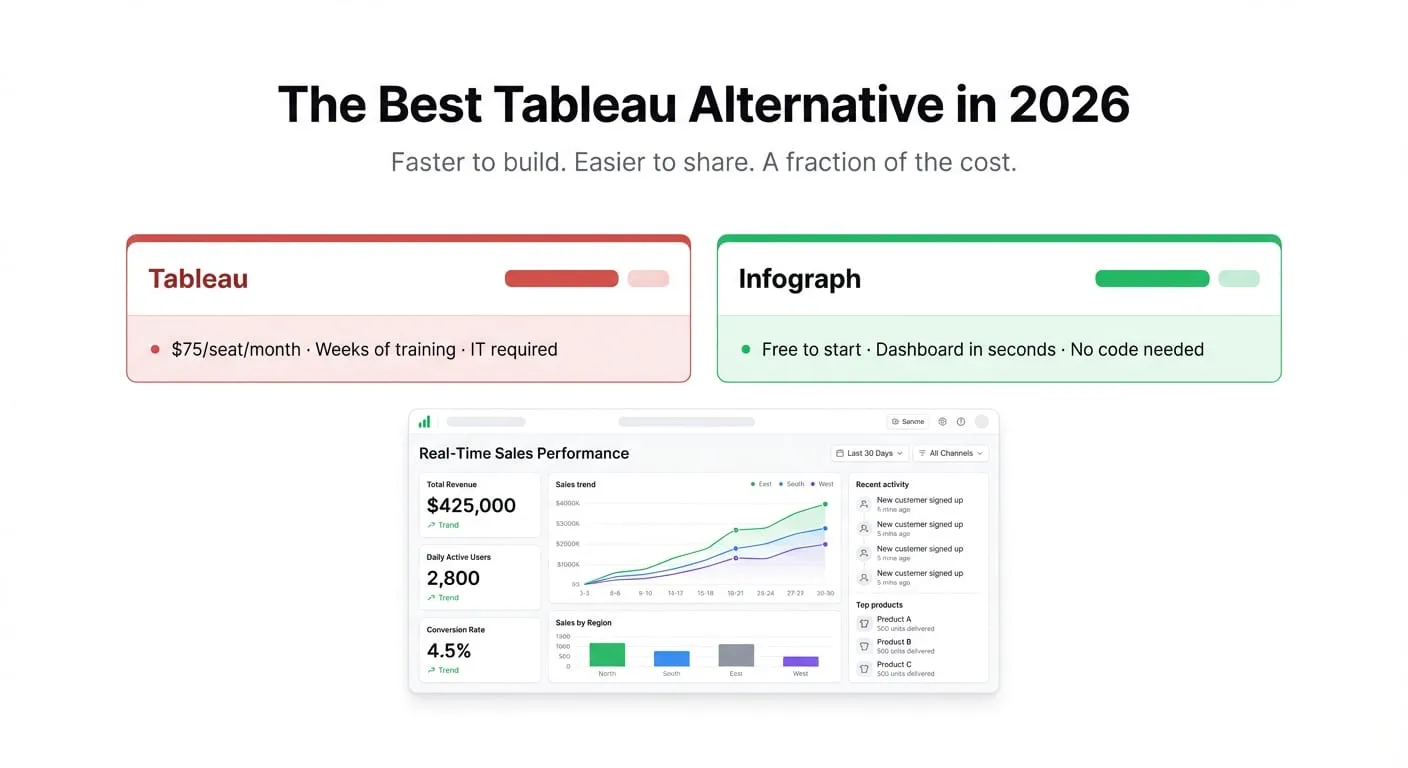
The Best Tableau Alternative in 2026
Tableau is powerful — and expensive. If you're paying $75–$100 per seat and spending weeks on training, there's a better way to get dashboard insights fast. Here's what we'd use instead.
Tableau is powerful — and expensive. If you're paying $75–$100 per seat and spending weeks on training, there's a better way to get dashboard insights fast. Here's what we'd use instead.
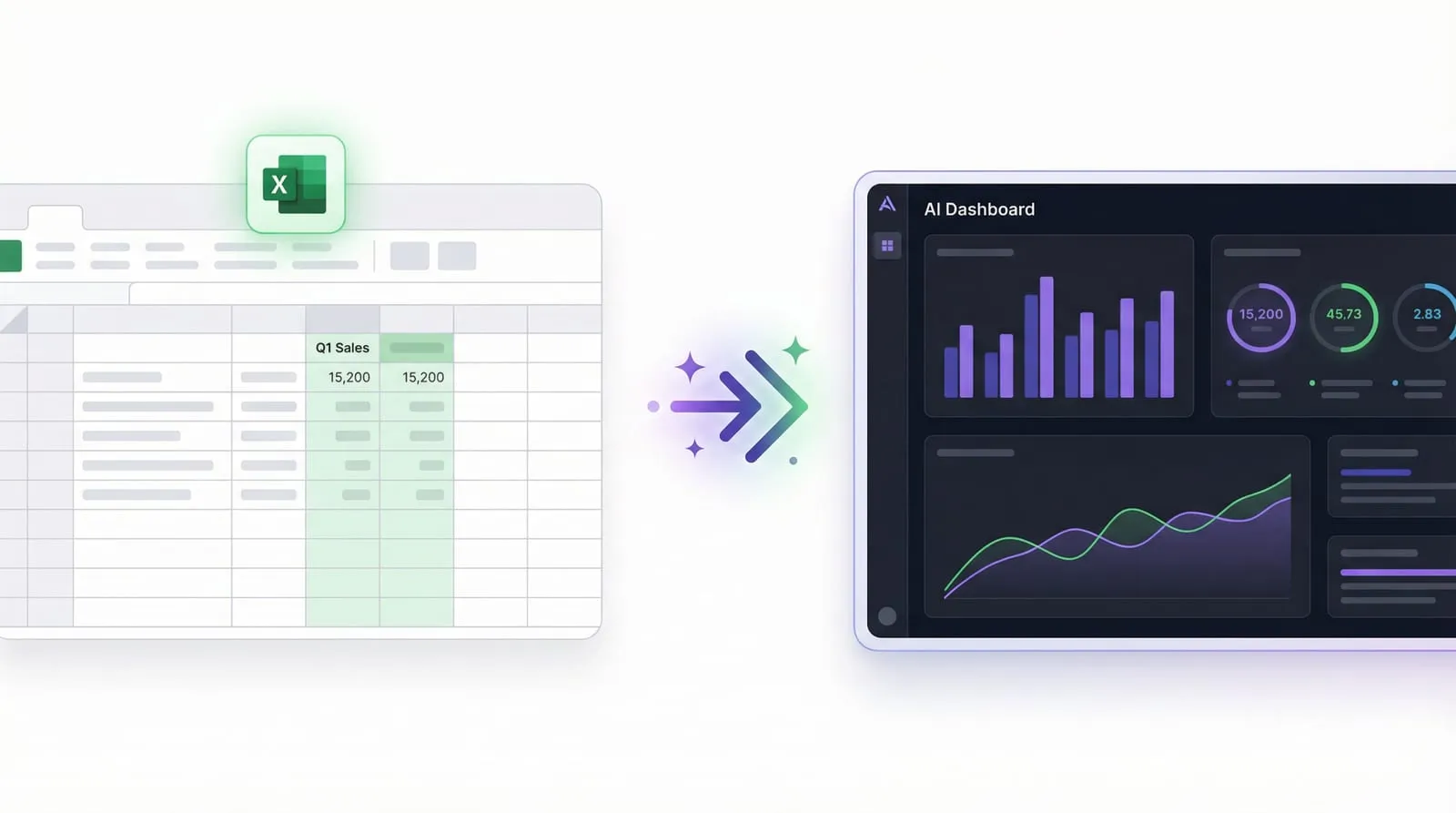
You have data in Excel. You know what you want to see. Here's how to turn that Excel file into a live, shareable dashboard using AI — in minutes, not hours.
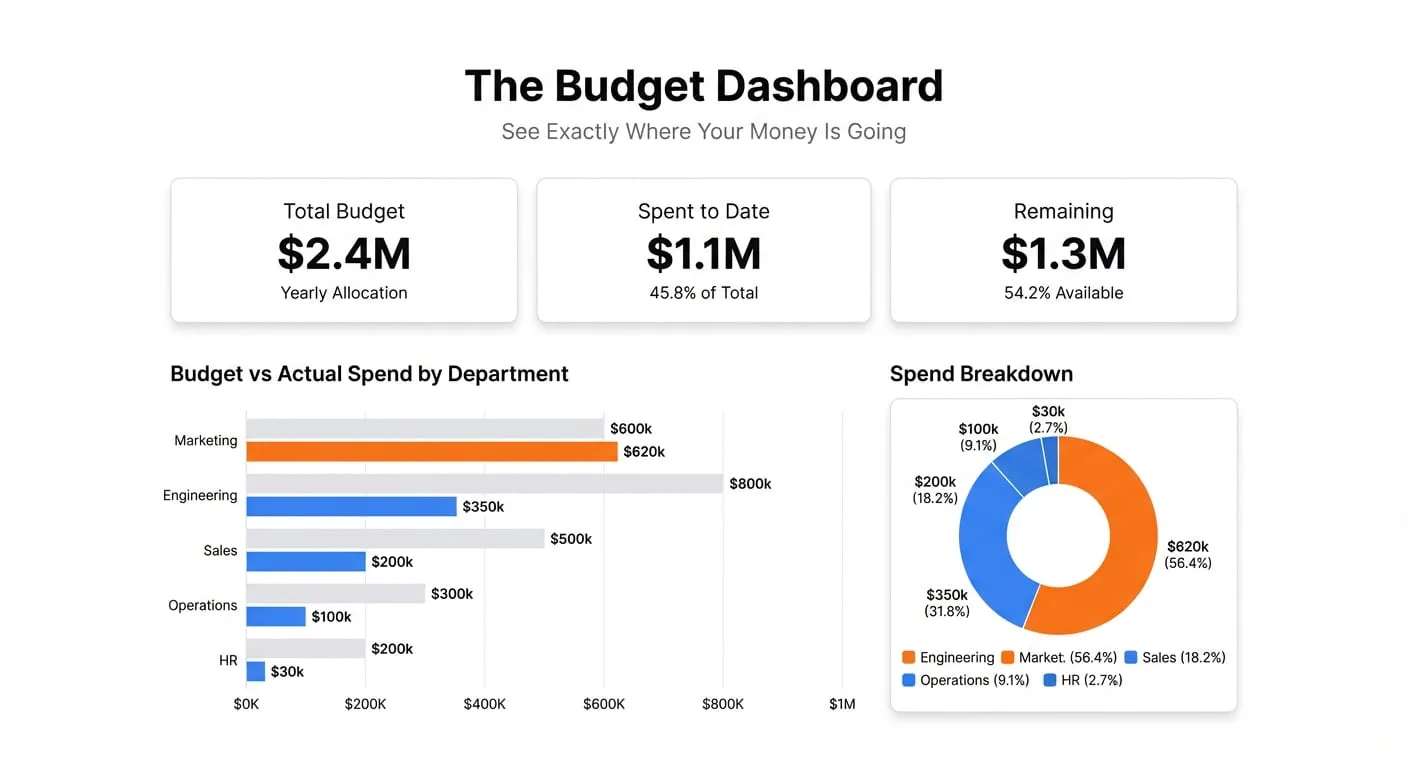
Build a budget tracking dashboard that shows budget vs actual spend in real time, so you catch overruns before they become problems.
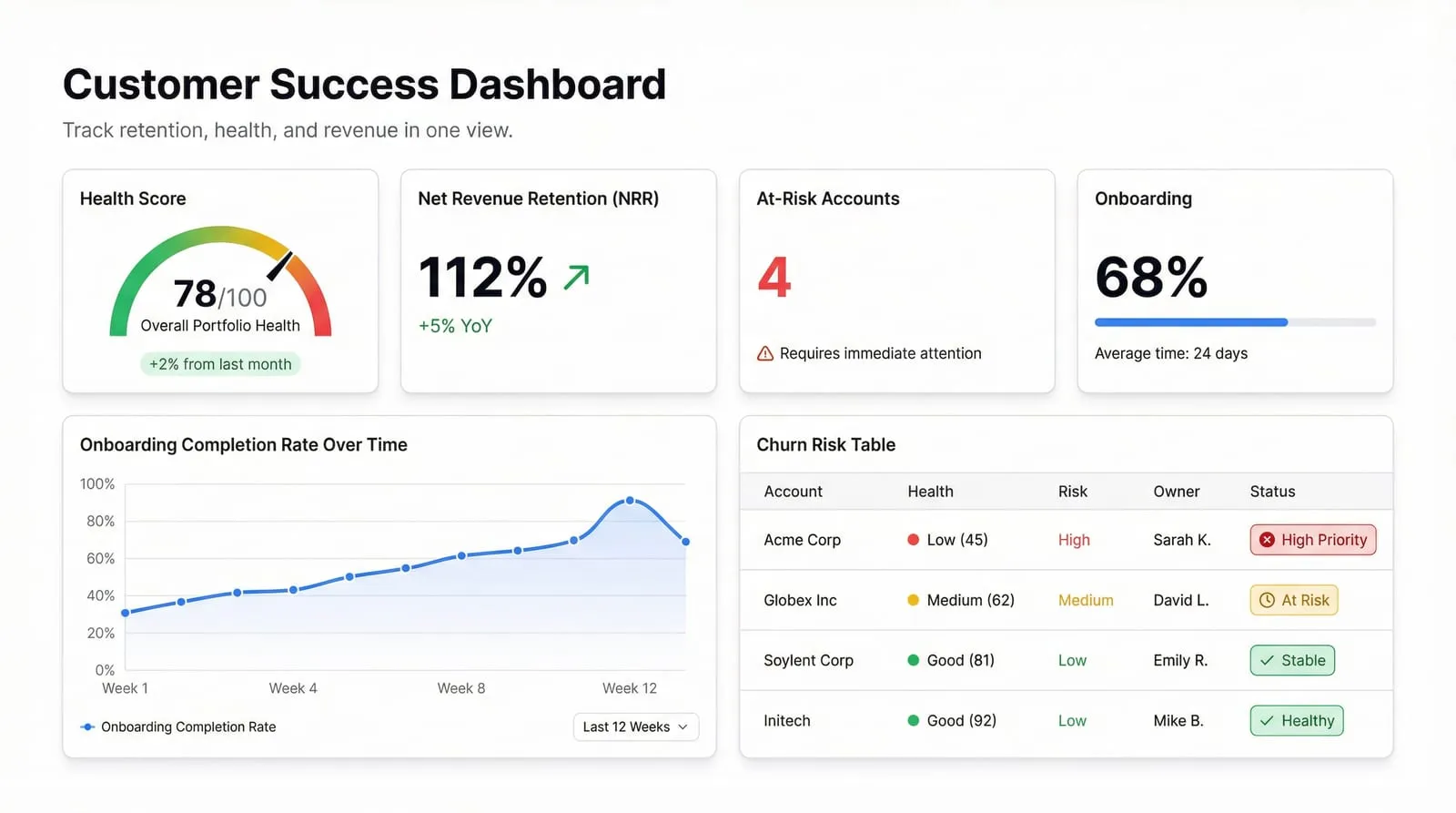
Stop managing customer health in spreadsheets. Here's what belongs on a CS dashboard, why it matters, and how to build one that actually tells you who's about to churn.
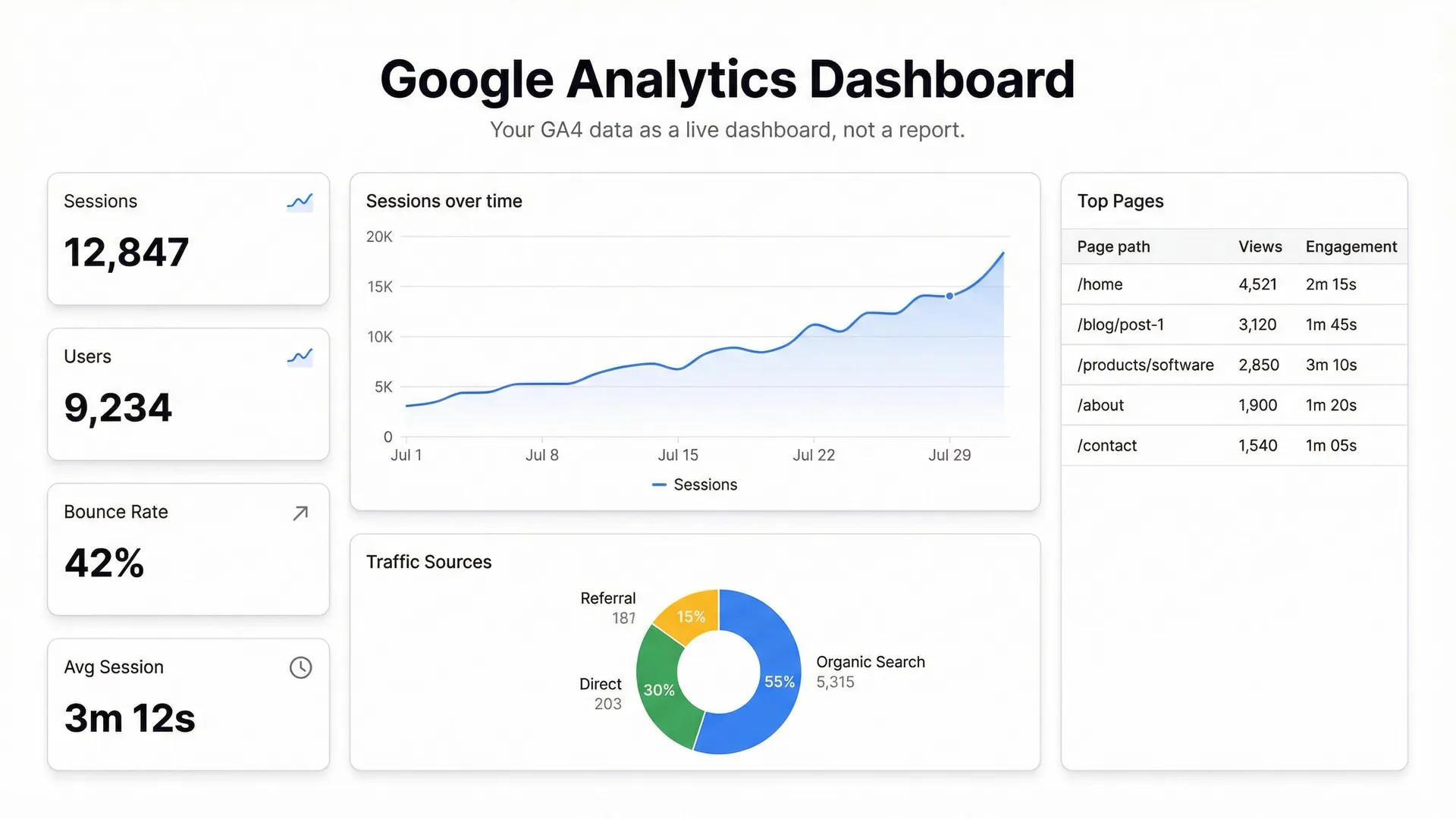
GA4 is powerful but painful to read. Here's how to build a live Google Analytics dashboard that actually shows you what's happening — without digging through reports every morning.
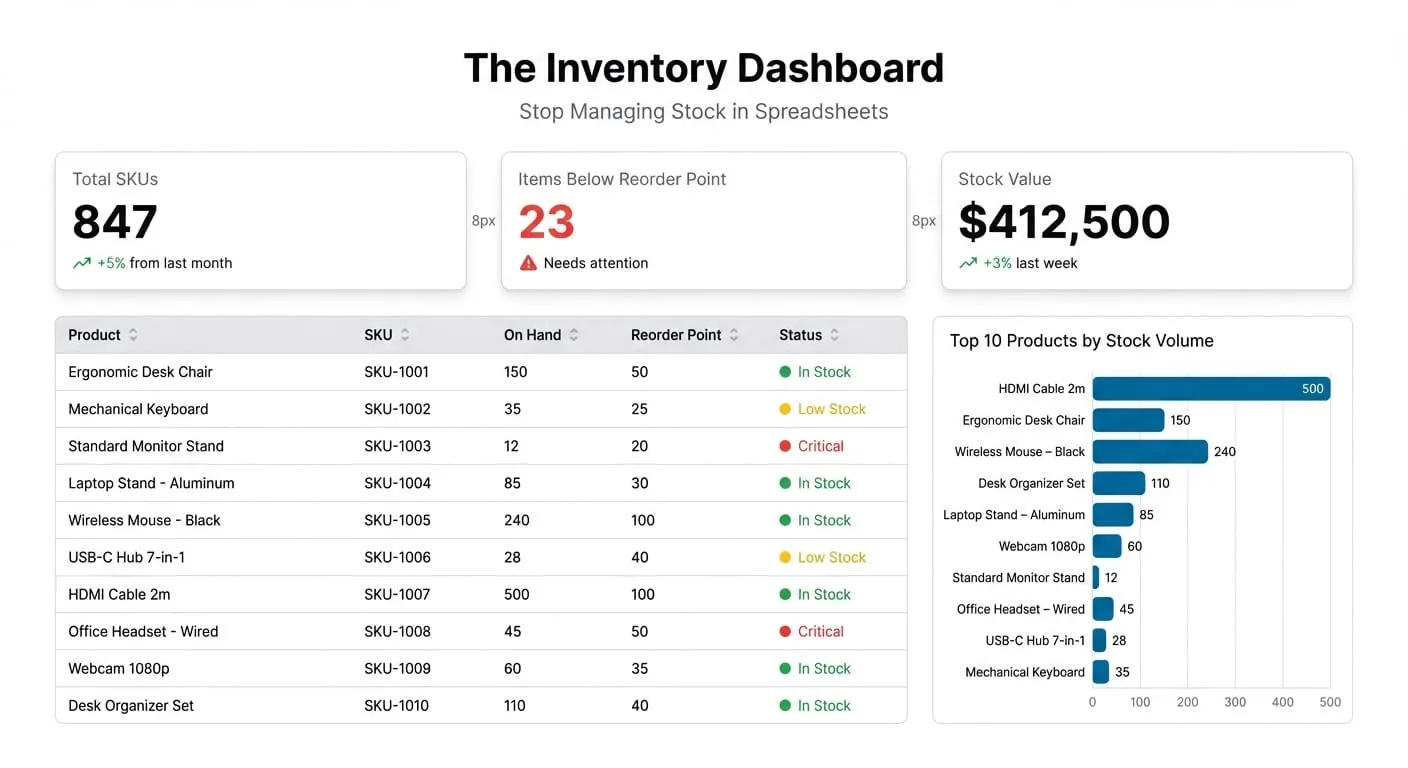
Build an inventory tracking dashboard that shows stock levels, reorder points, and supplier performance in real time — without manual spreadsheet work.
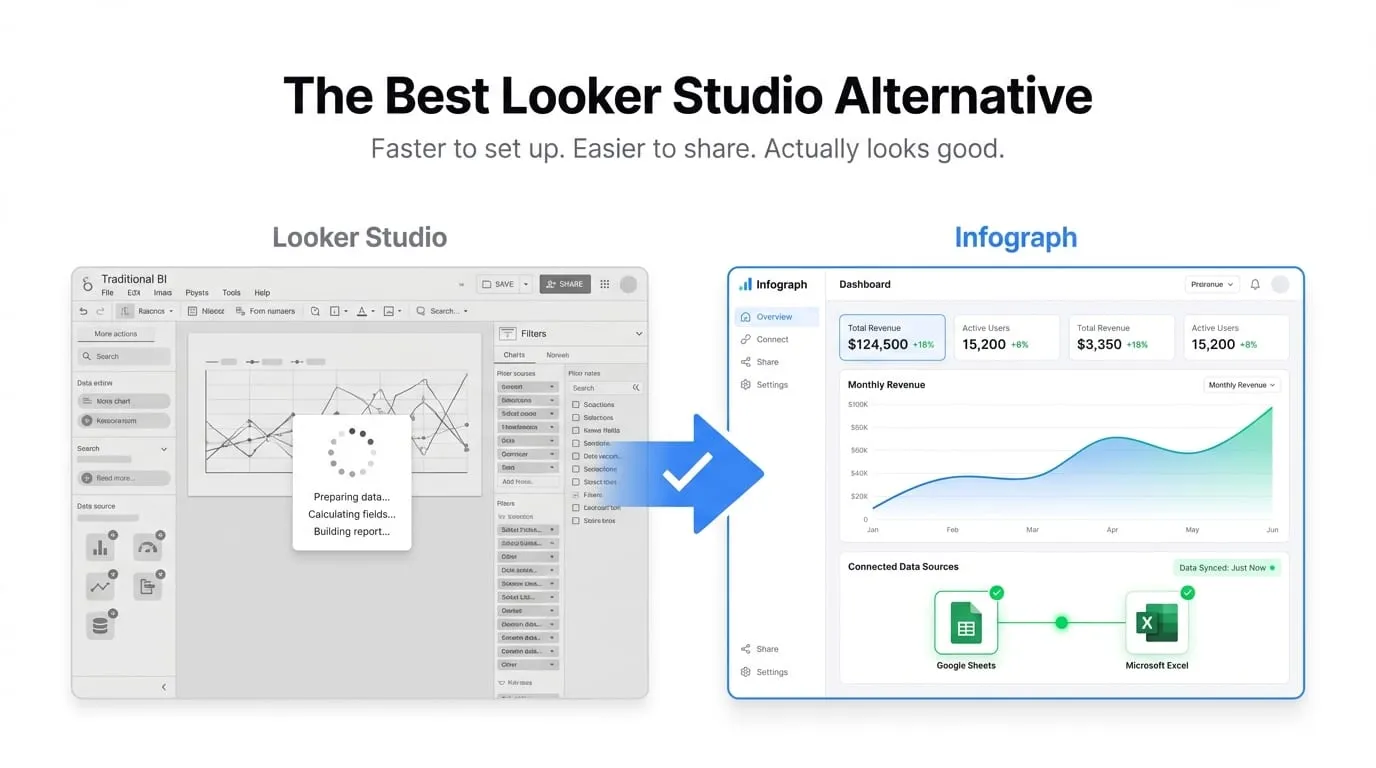
Looker Studio is free, but it's not always the right tool. Here are the best alternatives — and when each one wins.
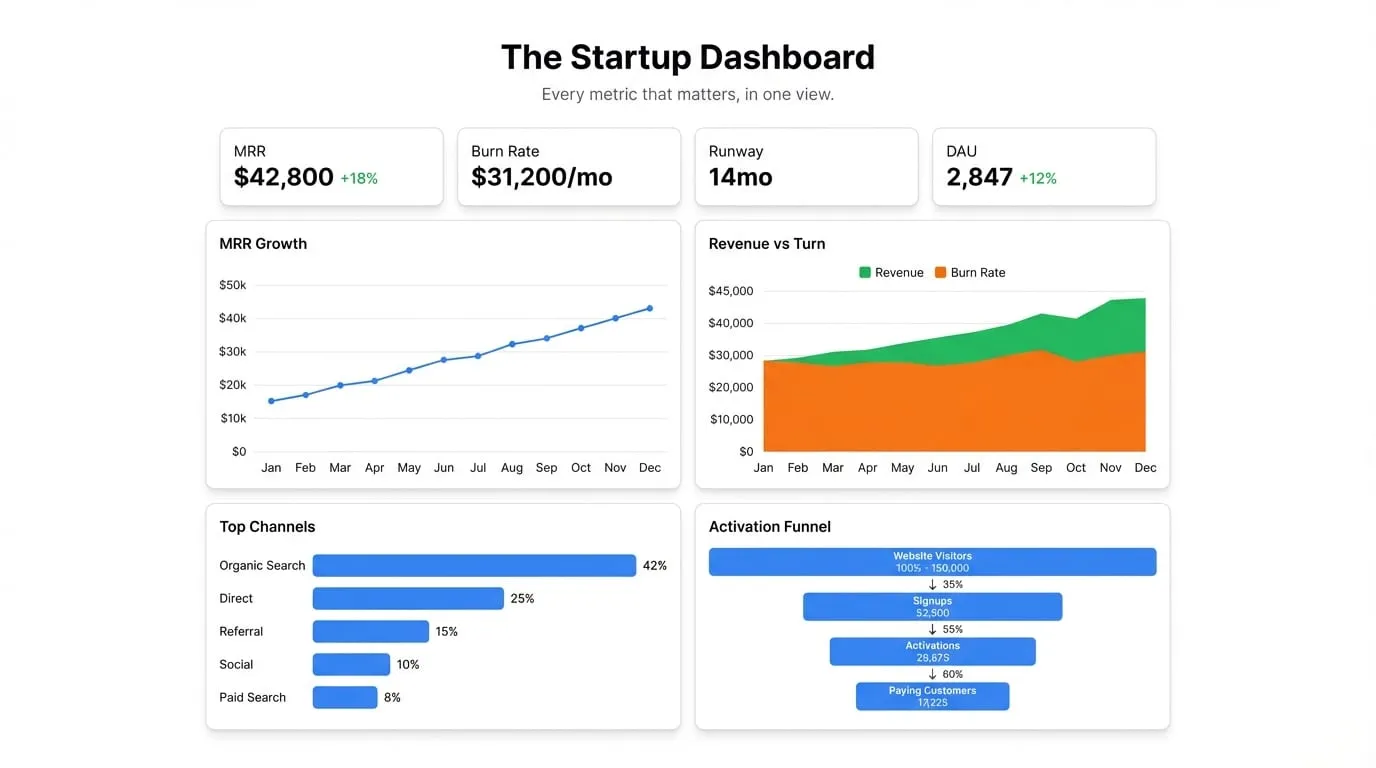
Build a startup dashboard that surfaces your most important KPIs in one place — revenue, growth, burn, product — without hiring a data analyst.
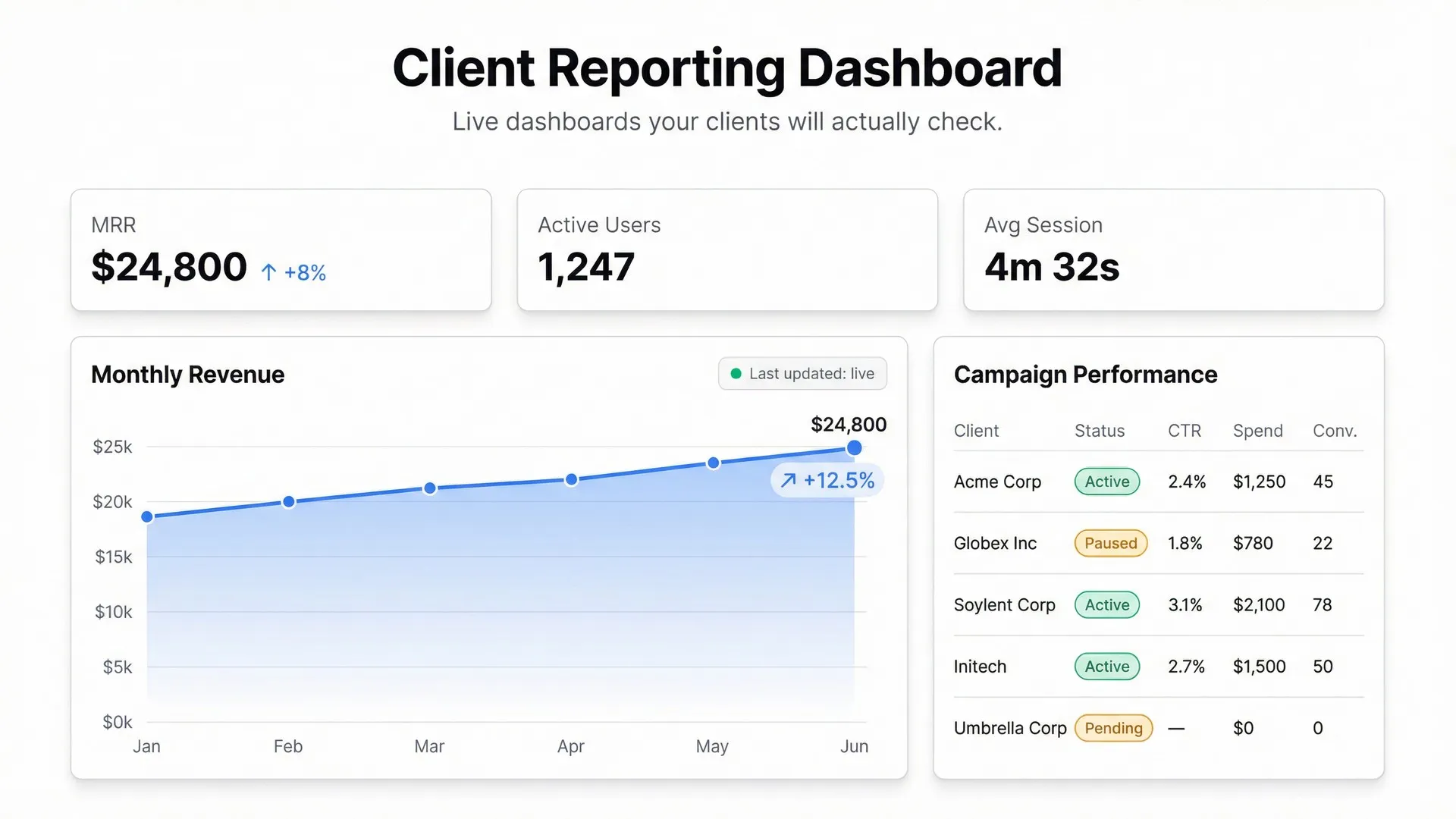
Stop sending PDFs and slide decks. Build a live client reporting dashboard that updates automatically and gives clients the visibility they're actually asking for.
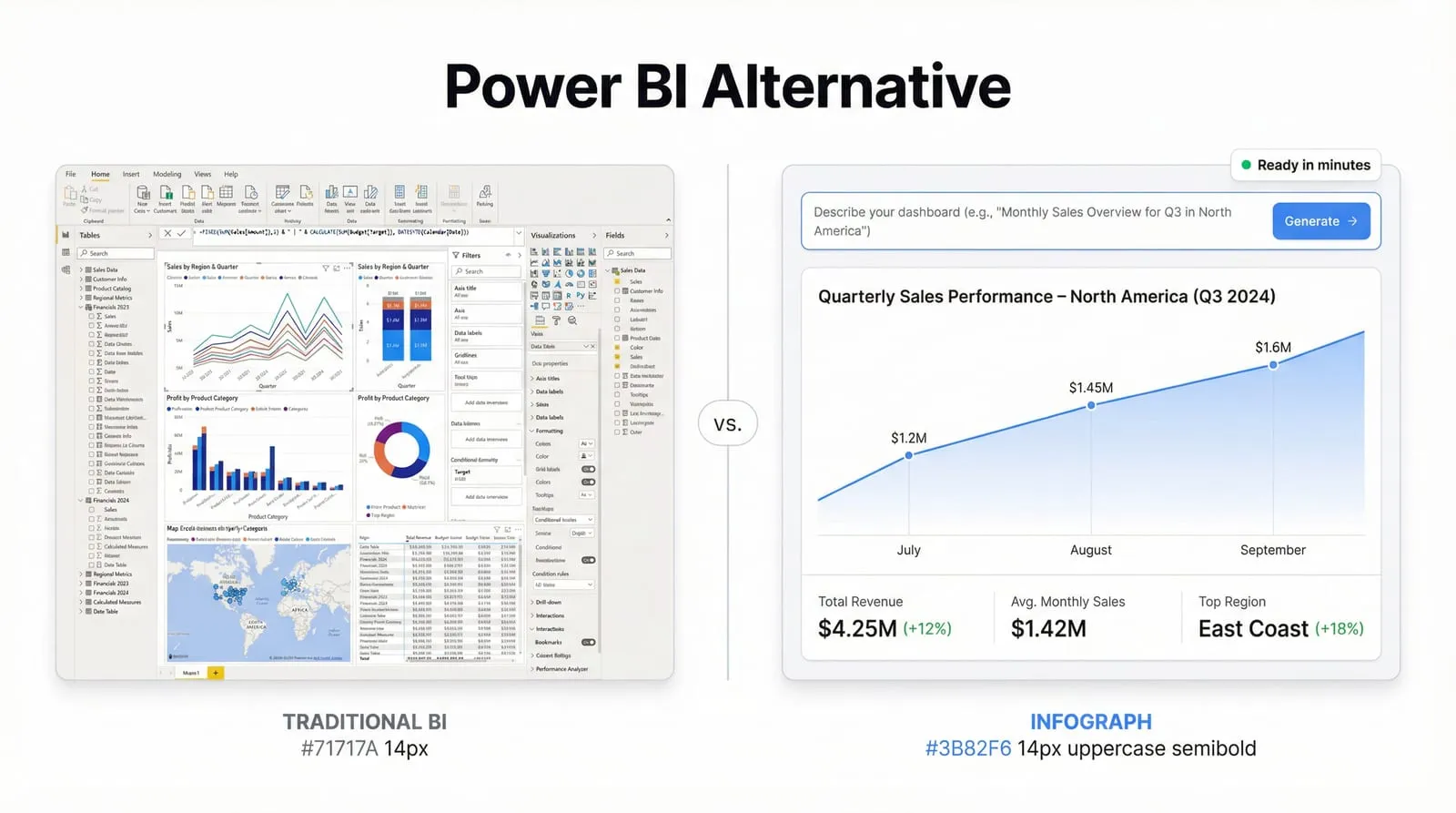
Power BI is powerful — and expensive, complex, and slow to set up. If you just need dashboards from your data, there are better options. Here's an honest comparison.
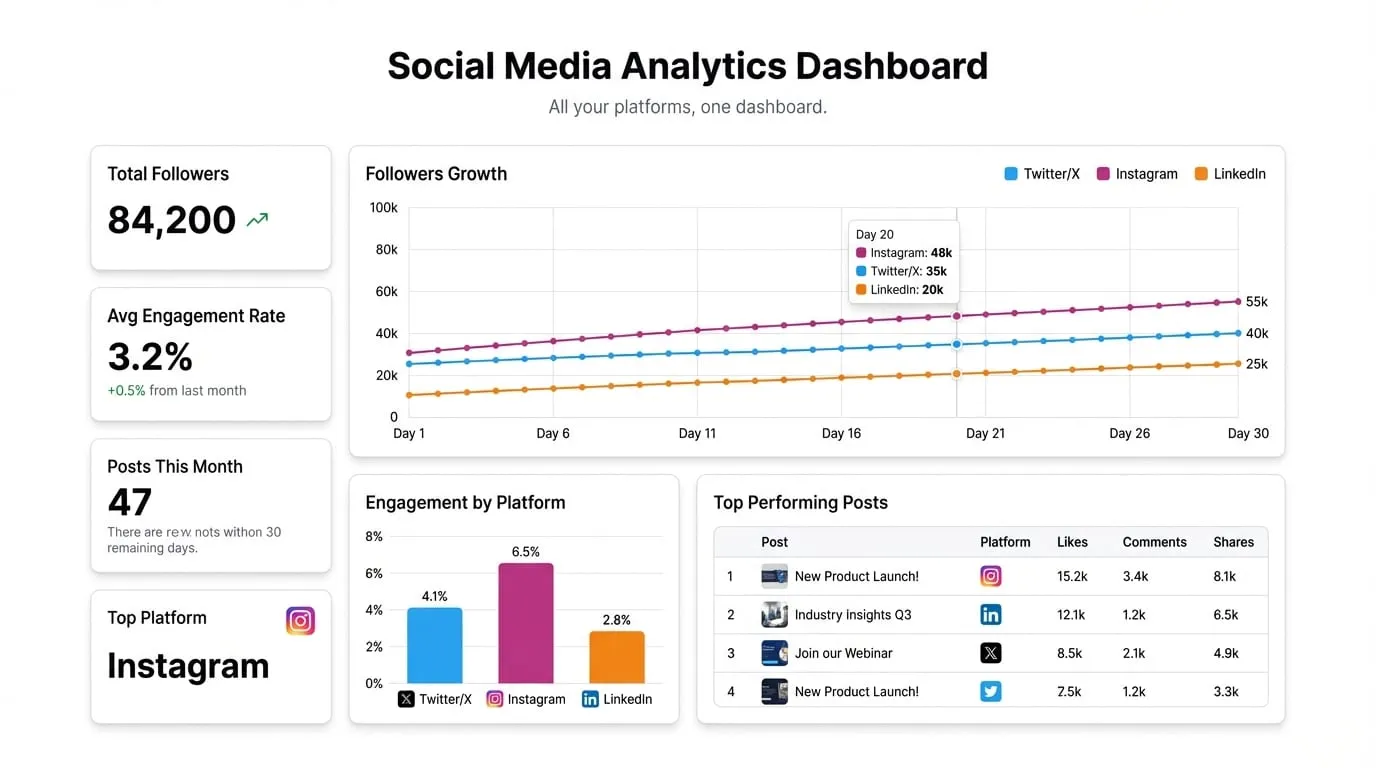
Twitter, Instagram, LinkedIn — each has its own analytics. Here's how to pull your exports into one social media dashboard that shows the full picture.
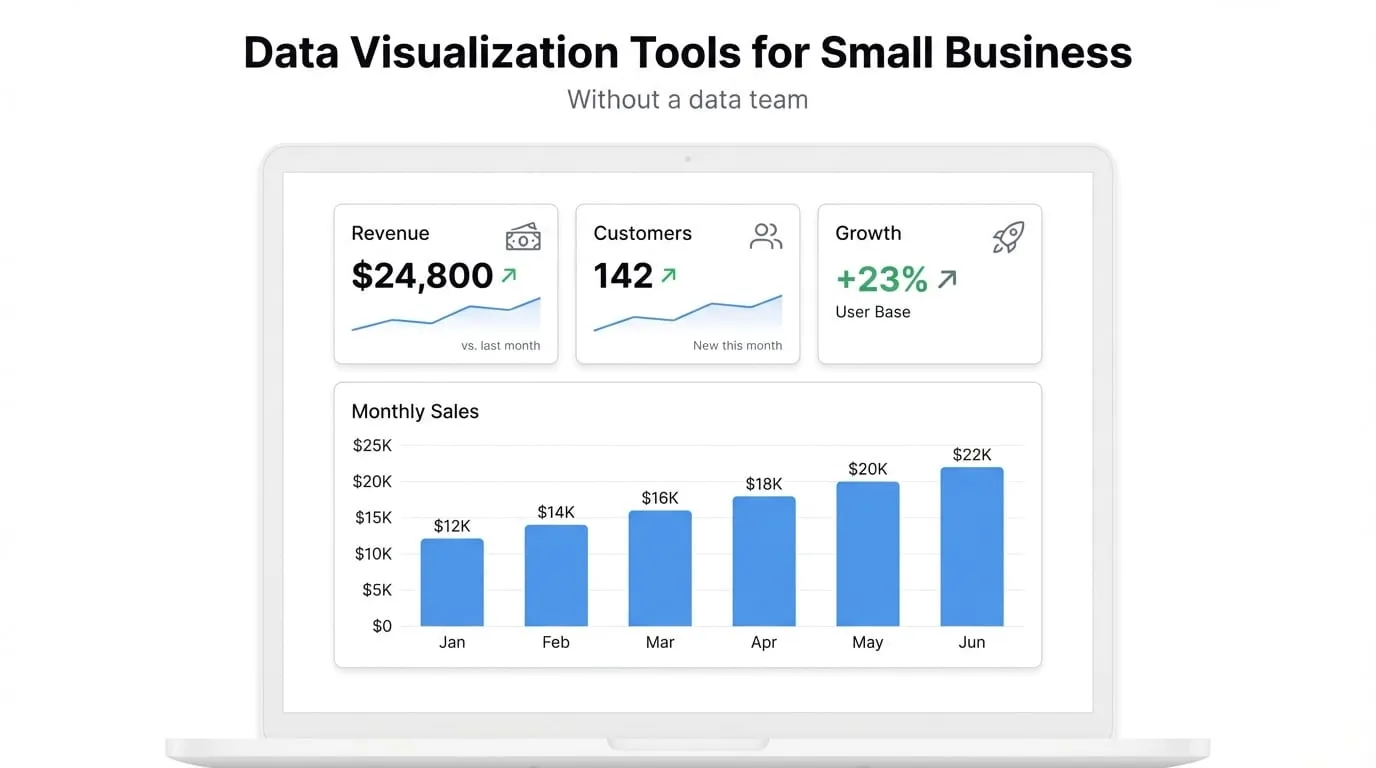
Small businesses don't need enterprise BI. Here are the data visualization tools that work when you have real data but no dedicated analyst.
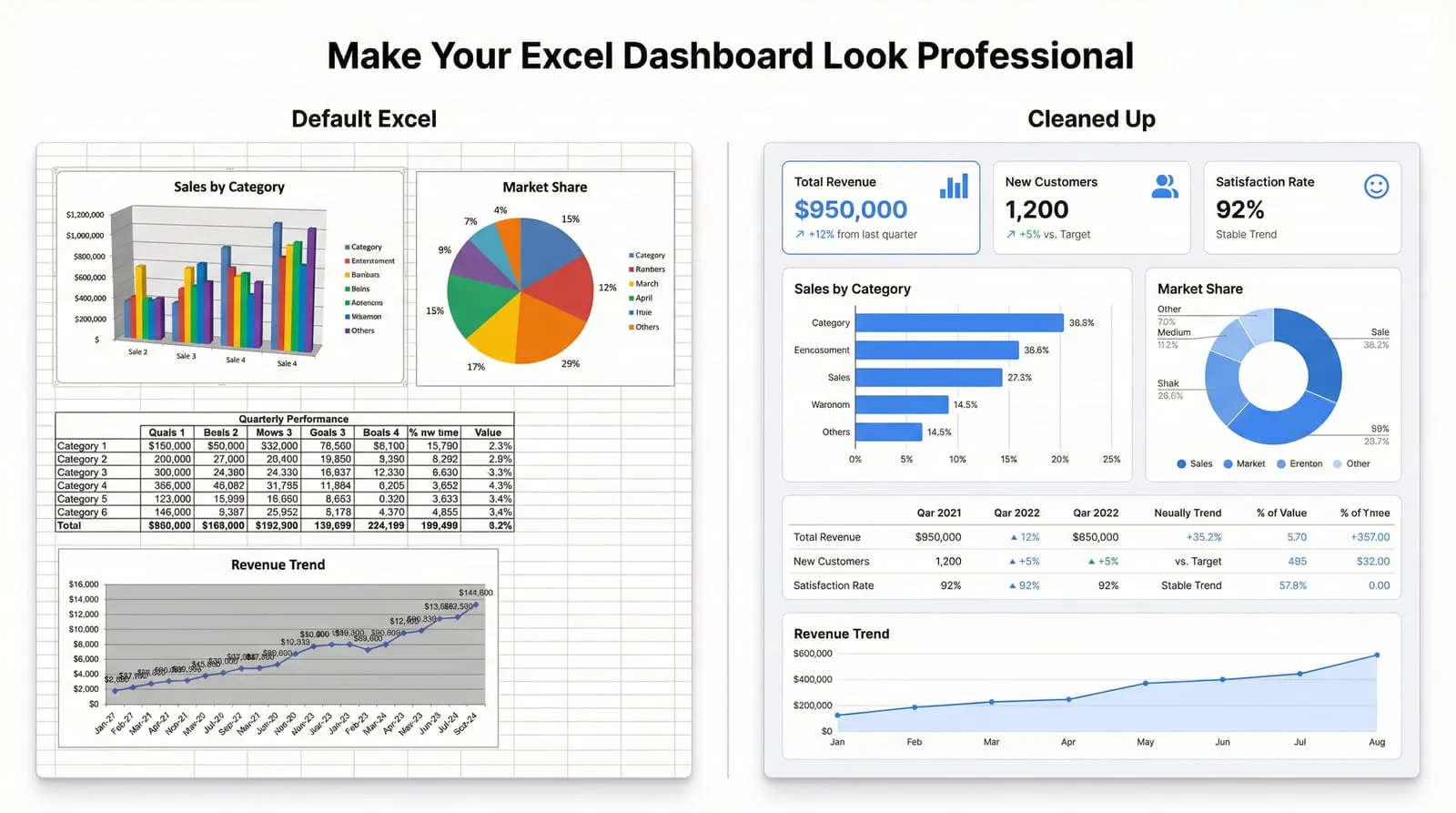
Excel dashboards don't have to look like spreadsheets. Here's how to design one that actually looks good — and when to stop trying.